TutorialTutorials
How to Play Tears of the Kingdom Natively on Android at 60+ FPS
A step-by-step guide to building the native Android port of Tears of the Kingdom, with my Odin 3 Portal settings and gameplay results.
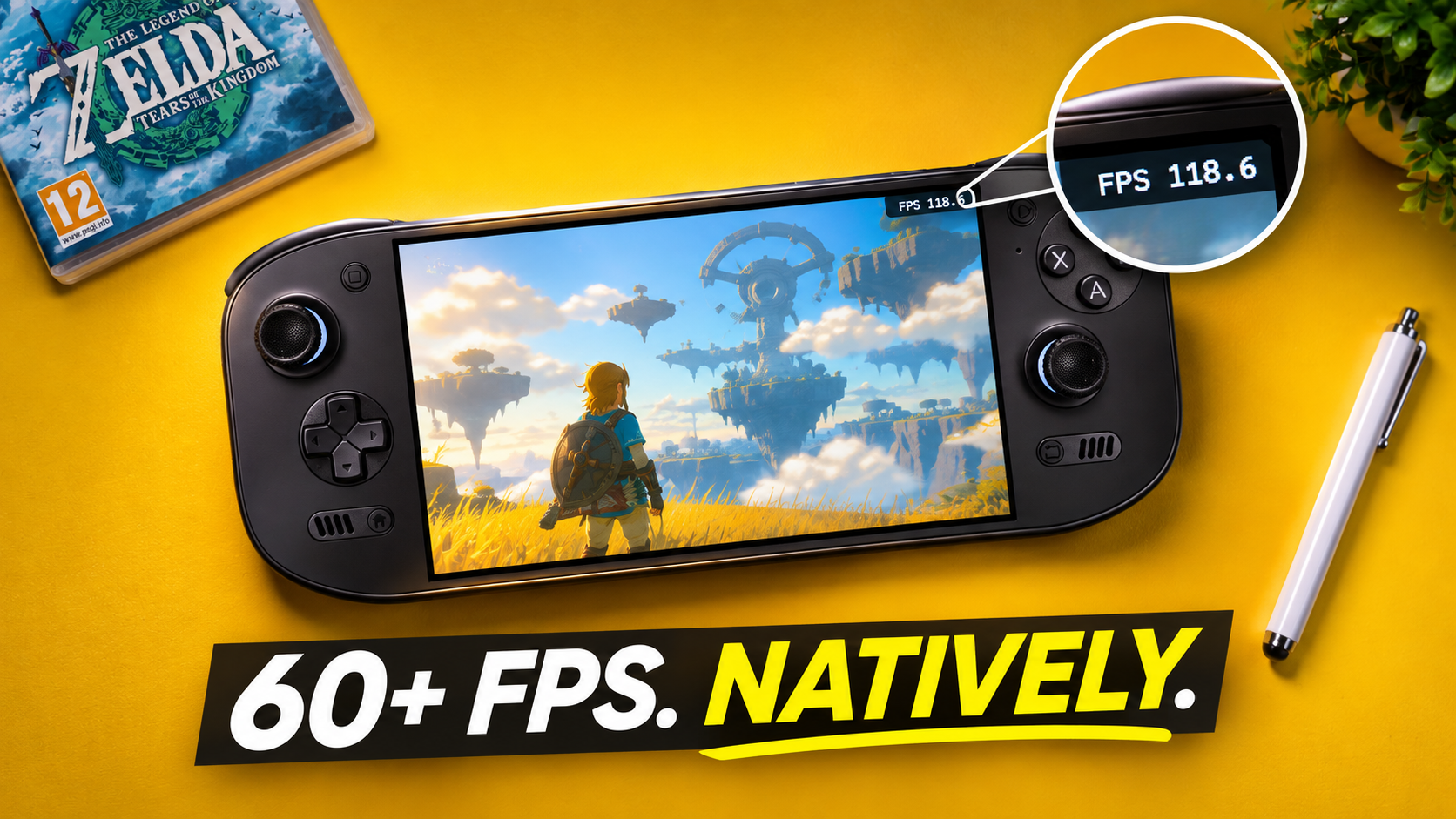
Seeing The Legend of Zelda: Tears of the Kingdom running at more than 60 frames per second on my Odin 3 Portal is one of those moments that makes experimenting with Android handhelds so rewarding. Rather than running the Switch game through an emulator, this community project builds a native Android port using the original game files. I tested version 1.0.1 of the application and managed to push the resolution to 1080p while seeing gameplay exceed 60 FPS.
What you need before getting started
The application does not eliminate the need for a copy of the original game. You need to prepare your own legally obtained game files before starting the installation. The version used by this guide is specifically 1.4.3 of Tears of the Kingdom. If you have an original cartridge containing version 1.0.0, the update is an important part of the preparation.
- Your own legally purchased copy of Tears of the Kingdom.
- A compatible Android handheld and sufficient storage for the game and generated port.
- Game files in RomFS and ExeFS format, or an XCI/NSP base game, the 1.4.3 update and your own prod.keys file.
This guide does not provide copyrighted game files or instructions for extracting console keys. Make sure your preparation and use of the files comply with applicable law.
Install the native Android application
The project is hosted on GitHub under AurelioB/totk-android. Open the Releases section and locate the APK. Version 1.0.1 was the release I used when recording my guide on November 24. Development may have moved on since then, so check the requirements of the release you intend to install.
Download the APK, locate it in your Android file manager and install it. Once installed, open the application to access the setup interface.
Build the port on your handheld
The initial setup is where the application turns the prepared game data into the native Android build. I used the XCI/NSP option with my own game files. The alternative RomFS and ExeFS route is also available in the interface.
- Tap Begin setup and select a destination folder on internal storage or a microSD card.
- Choose the input format that matches your prepared files.
- For the XCI/NSP route, select the base game, the 1.4.3 update and your own prod.keys file in the corresponding fields.
- Tap Continue and allow notifications if prompted. Wait for the build to finish.
On my Odin 3 Portal, this process took roughly three minutes. That is not a guaranteed build time for every handheld: storage read and write speeds can affect how long it takes. Once the process finishes successfully, the application opens the game settings menu.
Graphics and performance settings
The Odin 3 Portal I used has a Snapdragon 8 Elite chipset, which gave me room to turn most settings up and increase the resolution from the default 720p to 1080p. If you are using a Snapdragon 8 Gen 2 device or something less powerful, I would start with more conservative settings and increase them gradually rather than immediately copying my configuration.
Frame generation is also available as an option in the application. Experiment with the settings to find a balance that works for your hardware. My results should not be interpreted as a guaranteed frame rate across every device or every area of the game. The companion video shows the settings interface in more detail.
Launch the game and bring over your save
Tap Start game when you are satisfied with the configuration. In my gameplay demonstration, cutscenes were capped at 30 FPS, but the frame rate climbed above 60 FPS once I took control of Link. If you already have a compatible save from your Switch playthrough, the Android application also includes tools for importing it.
I still prefer playing the Nintendo Switch 2 Edition on my Switch 2, but the sheer progress of community-driven Android projects is fascinating. Getting a game of this scale running on a handheld like the Odin 3 Portal is an impressive demonstration of what modern mobile hardware can do.