NewsPress material
Nothing Begins Nothing OS 5.0 Rollout Starting With Phone (3)
Nothing has launched Nothing OS 5.0, an Android 17-based software update introducing over 80 design, performance, and AI features starting with the Phone (3).
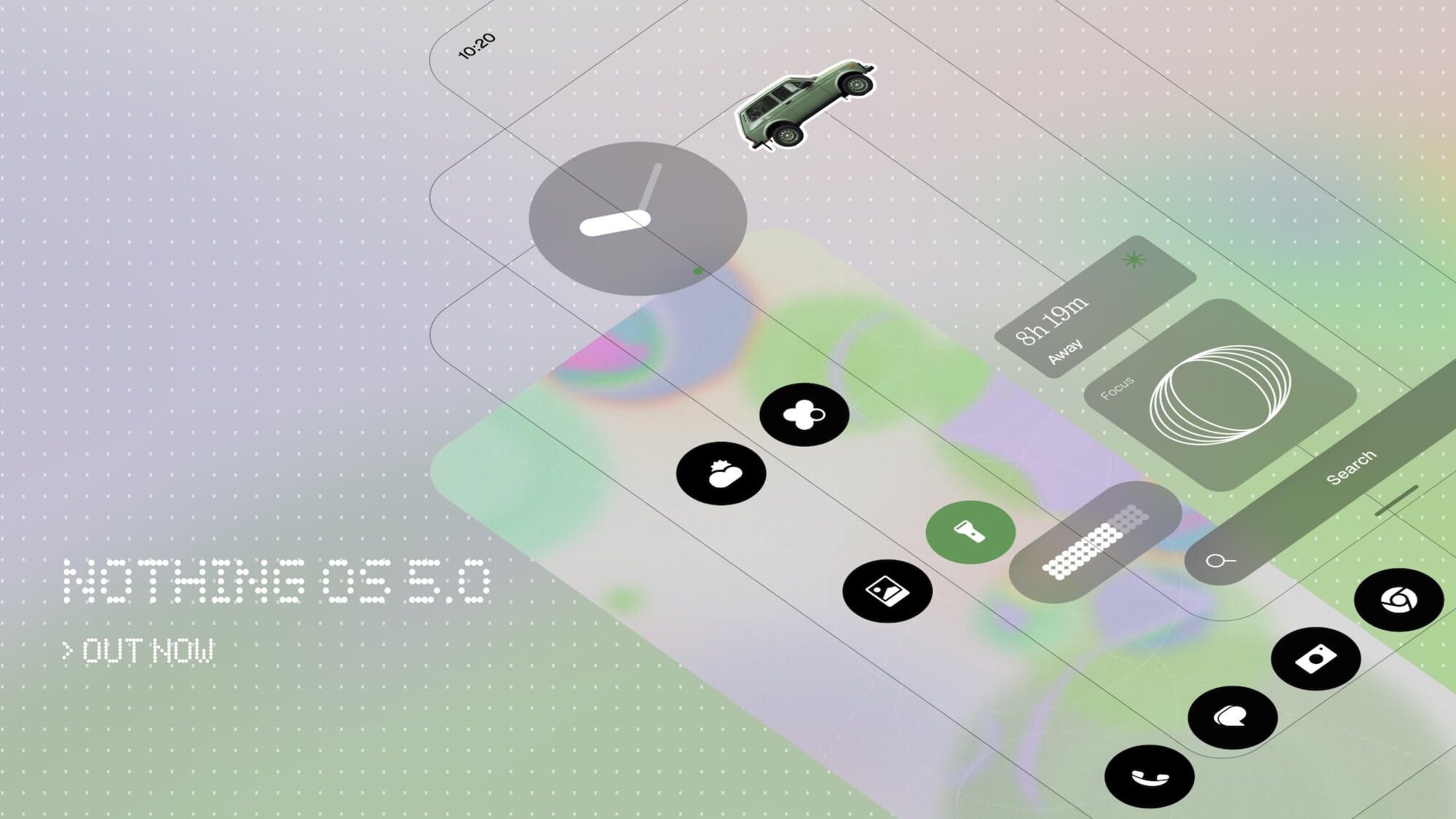
Nothing has begun rolling out Nothing OS 5.0, its latest major software update built on Android 17. The deployment begins with the Nothing Phone (3), with additional Nothing and CMF smartphones scheduled to receive the update over the coming months.
According to the company, Nothing OS 5.0 introduces over 80 updates across design, performance, and artificial intelligence features.
Design and personalisation
The update introduces a redesigned home screen featuring transparent elements in widgets and the search bar, alongside an adaptive colour system that pulls tones from the wallpaper. A new micrographic lock screen clock face displays the date, time, weather, and upcoming calendar appointments in a single view.
- Geist typeface integration across the operating system
- Refreshed icons and animations in the status bar, Settings, Camera, and Gallery
- Collector widget for displaying visual collections of items
- Away Time widget to track time spent away from screens
- Multi-app and widget selection during home screen editing
Performance and AI features
Nothing states that the update improves touch response, background application retention, and system resource management, while refining animations across applications, folders, widgets, and multitasking.
AI updates include Essential Voice for transcription, Smart Collections inside Essential Space, and an on-device Essential Apps Builder. The press material states that the builder permits users to create and distribute AI-driven software using descriptions without writing code. Additional updates to Essential Space will roll out through the Google Play Store.
Android 17 integration
Built on Android 17, Nothing OS 5.0 incorporates split panels for notifications and quick settings, cross-platform Quick Share functionality, enhanced privacy controls, and a redesigned recent applications view.